How to Implement a CRM in 30 Days: A Step-by-Step Plan for Small Teams

This plan is for teams of 2 to 20 people who have already chosen a tool. If you have not, read our guide to free CRMs for small businesses in India and the explainer on CRM vs ERP. The timeline is a suggestion based on common project practice; adjust it to your size.
Key takeaways
- Set 2 or 3 clear goals, such as “no lead without a next follow-up date”.
- Keep the first version simple: few fields, few stages.
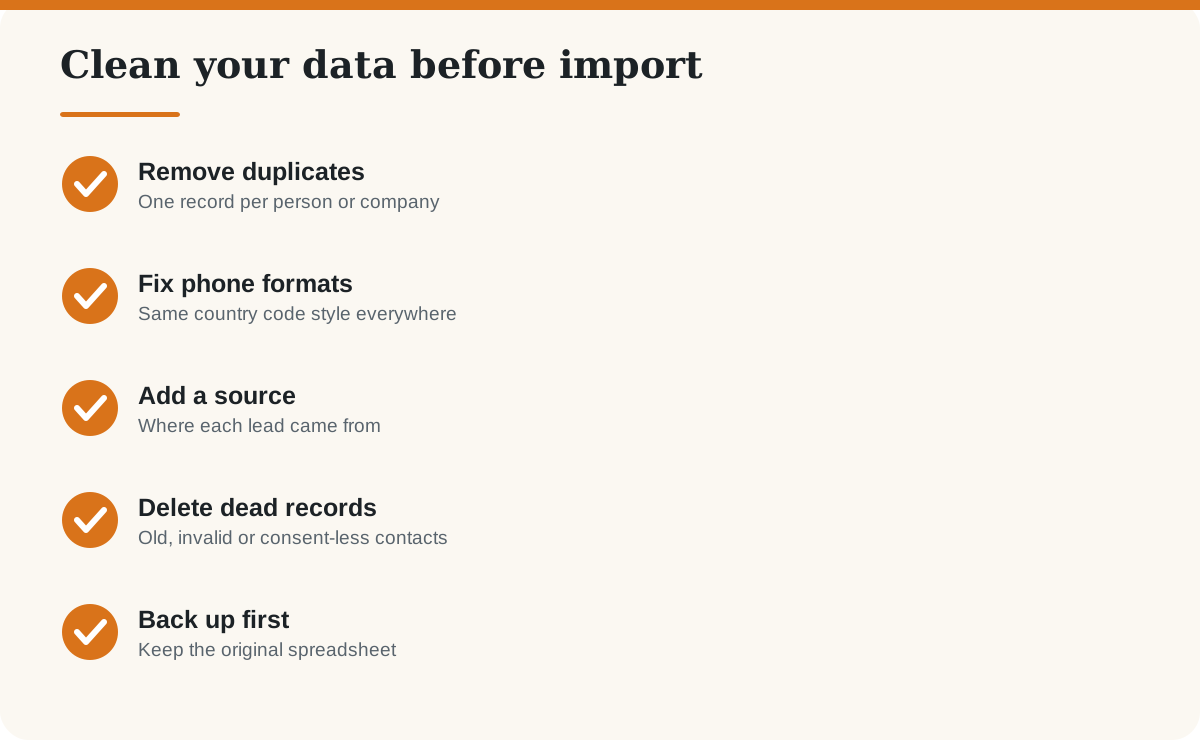
- Clean your data before you import it.
- Appoint one owner and make the CRM the single place for leads.
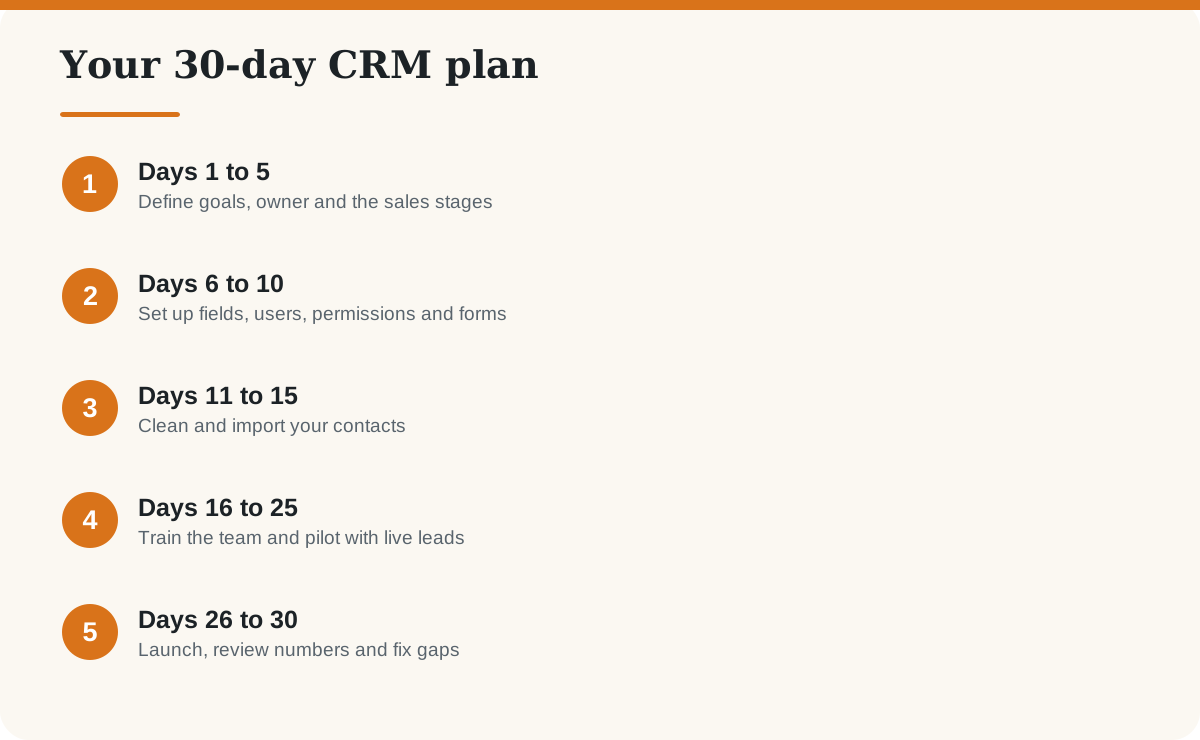
What should you do in the first week?
Decide why you are doing this. Good goals are measurable: reply to every enquiry within a day, track every quotation, see monthly sales by source. Name one person as the CRM owner. Write down your sales stages in plain words, for example New, Contacted, Quoted, Negotiation, Won, Lost.
How do you set up the CRM in week two?
- Create user logins with the least access each person needs.
- Add only the fields you will really use: name, phone, email, source, stage, value, next follow-up date.
- Connect your website form and email so leads arrive automatically.
- Turn on two-step login and agree on data-handling rules.
How do you train the team and run a pilot?
Run a 45-minute session showing only the daily actions: add a lead, log a call, set a follow-up, move a deal. For ten days, use the CRM for all new leads while the old method stays as a backup. Hold a short weekly check-in to hear what is annoying people, and fix it quickly.
How do you launch and measure success?
| Measure | What good looks like |
|---|---|
| Adoption | Every new lead is logged within a day |
| Follow-ups | No open lead without a next action date |
| Response time | Faster replies than before the CRM |
| Reporting | You can see pipeline value and win rate in minutes |
After launch, retire the old spreadsheet so there is one source of truth. For AI help with follow-up messages, see 25 ChatGPT prompts for small business owners, and review what is safe to share with AI before pasting customer details.
Frequently asked questions
How long does it take to implement a CRM?
A small team with a simple setup can be live in about 30 days. Larger teams or complex integrations take longer.
Why do CRM projects fail?
The most common causes are low adoption, unclear goals, messy data and over-complicated setup. Training and a named owner help prevent these.
What data should I import into a CRM?
Import active contacts and open deals first, with clean names, phone numbers, emails and sources. Leave out old or invalid records.
How many sales stages should a CRM have?
Keep it between five and seven. Too many stages make people skip updating them.
Do I need a consultant to set up a CRM?
Not for a small team using a simple tool. For complex integrations or custom workflows, a specialist can save time.
How do I get my team to use the CRM?
Make it the only place for leads, show how it saves time, review CRM data in meetings and fix irritating steps quickly.
Last checked: October 2026. The 30-day timeline is BlogShog’s practical guideline, not a vendor standard.